





75 Inch 4K Smart Board – Google EDLA-Certified Interactive Whiteboard, Android 14 OS, 50-Point Touch, Wireless Casting – Digital Whiteboard for Classrooms & Hybrid Offices, NewBoard 75E
Original price was: $3,299.00.$2,499.00Current price is: $2,499.00.
Price: $3,299.00 - $2,499.00
(as of Jun 15, 2025 15:31:24 UTC – Details)

Product Description
NEWORK 75″ Smart Board for Classroom and Office
The video showcases the product in use.The video guides you through product setup.The video compares multiple products.The video shows the product being unpacked. smart board for classroom Merchant Video
The Ultimate Interactive Display 
Explore the Powerful Digital Whiteboard Extensive Compatibility
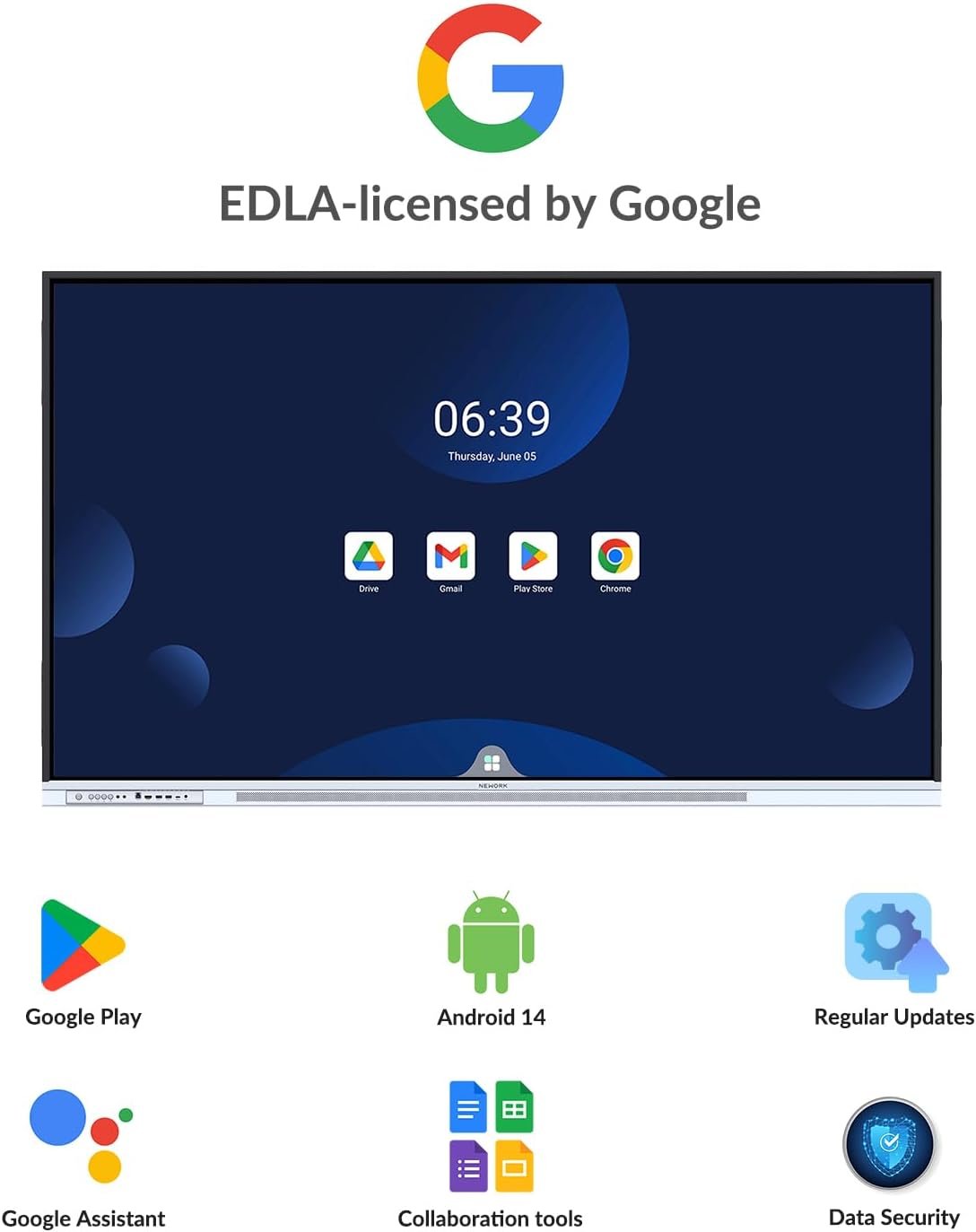
Based on the latest Android 14, NewBoard E-series is Google EDLA certified, users can install extensvie range of apps via Google Play Store. Teachers and students can access thousands of educational and entertainment apps.
The video showcases the product in use.The video guides you through product setup.The video compares multiple products.The video shows the product being unpacked. google Merchant Video
Intelligent Writing
Our advanced e-writing technology enable near-zero latency writings and annotating on our samrt baord, delivering a smooth and natural writing experience. Ten students and teachers can write and interactive simultaneous.
The video showcases the product in use.The video guides you through product setup.The video compares multiple products.The video shows the product being unpacked. whiteboard Merchant Video
Floating Toolbar
Simply press and hold with two fingers for 3 seconds, the floating bar will fly to your finger positions for quick acess to predefined function shortcuts.
The video showcases the product in use.The video guides you through product setup.The video compares multiple products.The video shows the product being unpacked. Floating Bar Merchant Video
Split-screen Operation
You can split the smart board into two screens and run different applications separately, which makes it easier for you to annotate and explain, and also allows the audience to understand the information you convey more intuitively.
The video showcases the product in use.The video guides you through product setup.The video compares multiple products.The video shows the product being unpacked. split-screen Merchant Video
Easy access and sharing
You can open files directly from your local folder, Google Drive, Dropbox, or OneDrive; add annotations online; save your work locally or to cloud storage; and share annotated files seamlessly.
The video showcases the product in use.The video guides you through product setup.The video compares multiple products.The video shows the product being unpacked. google drive Merchant Video
Use it, Enjoy it 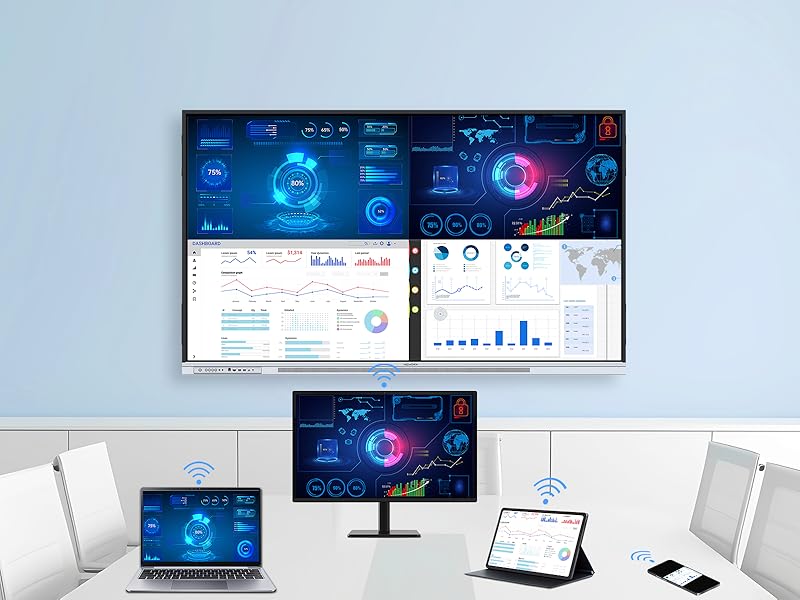 NEWORK Casting
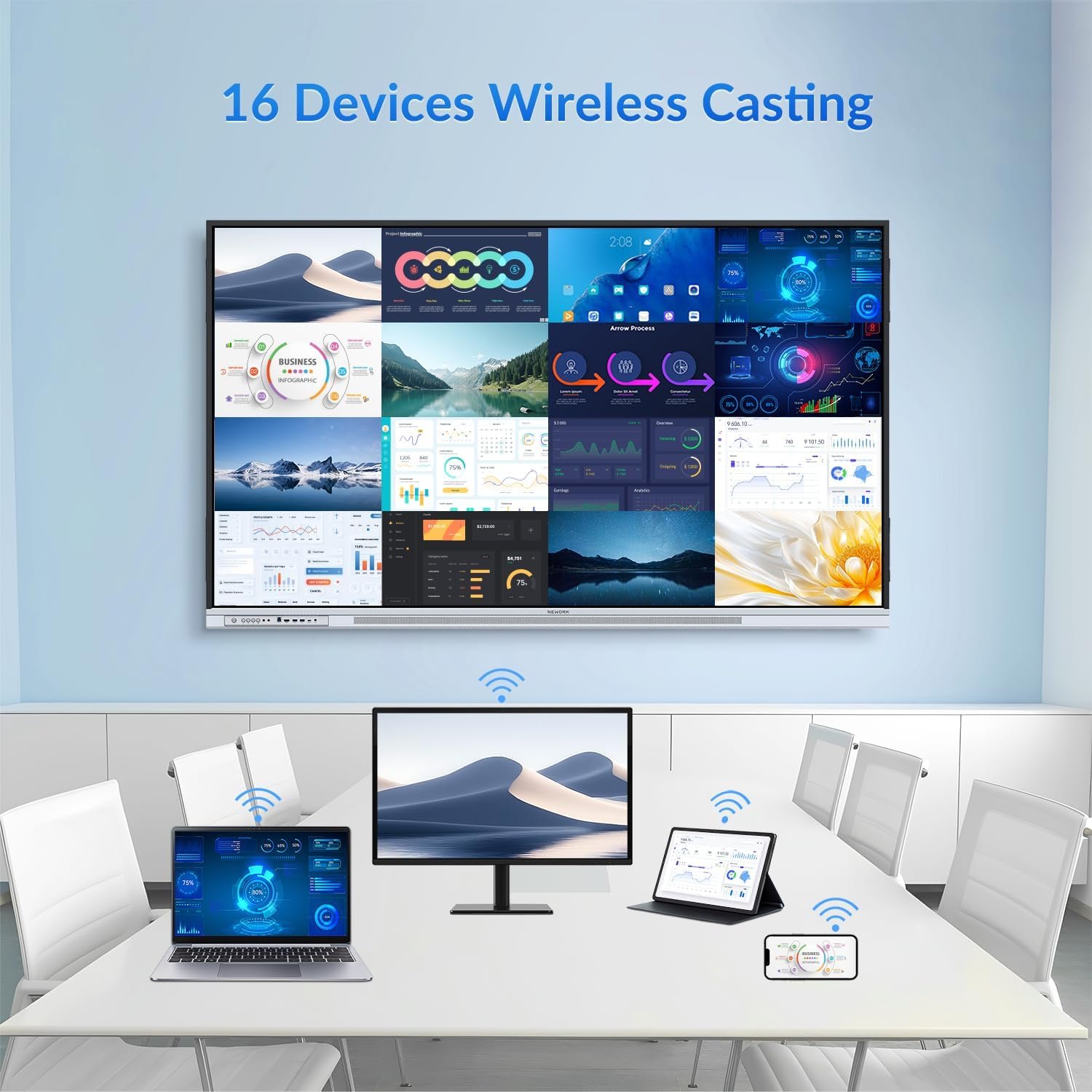
NewBoard E-series has built-in E-Share, allowing wireless screen casting up to 16 devices simultaneously. Teachers can select any one of the 16 devices to be display in full screen mode
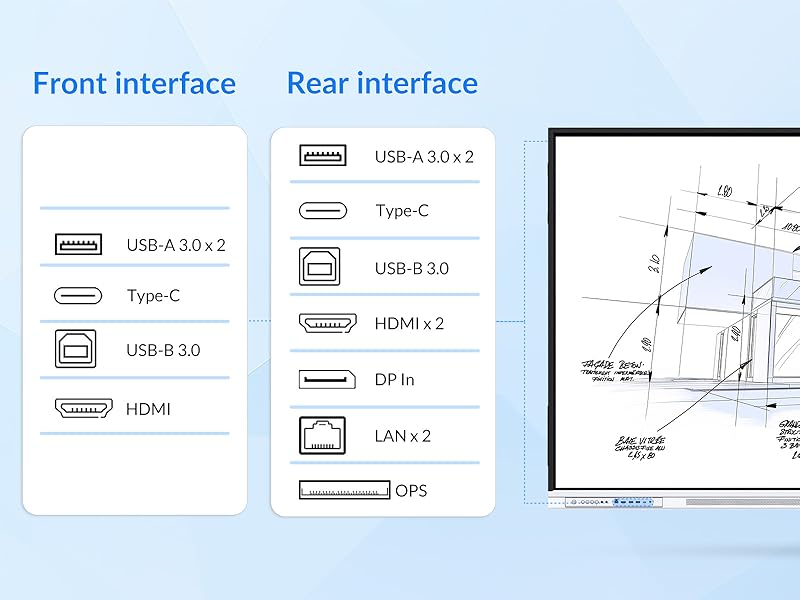 Extensive I/O Ports
This smart board features a full-function USB-C port with 65-watt power delivery, supporting video, data, and touch HID—all through a single cable. With both front and rear I/O ports, teachers and users can easily connect their devices.
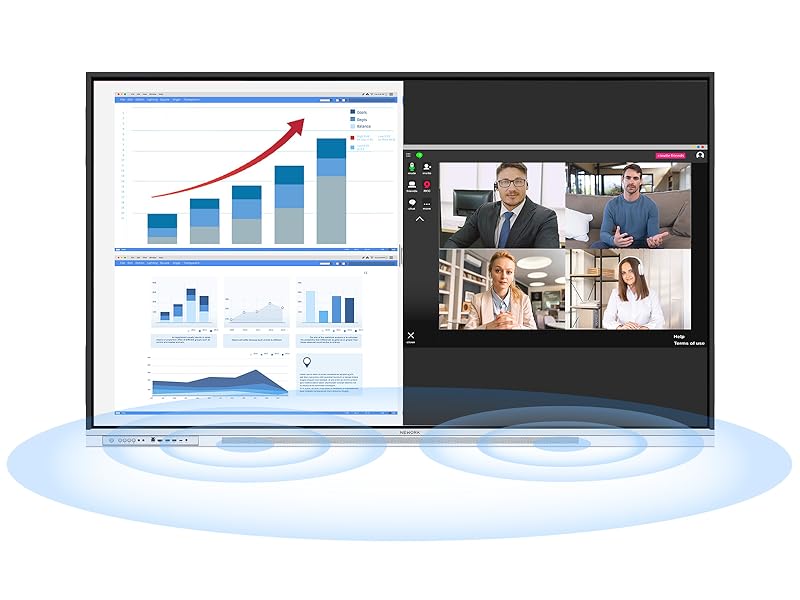 Natural Sound
Great visuals needs great sound. A front projecting dual 20-watt high-fidelity speakers, makes every word and music note crisp and clear, every video is immersive, and every lesson is engaging. Your voice carries with clarity and impact.
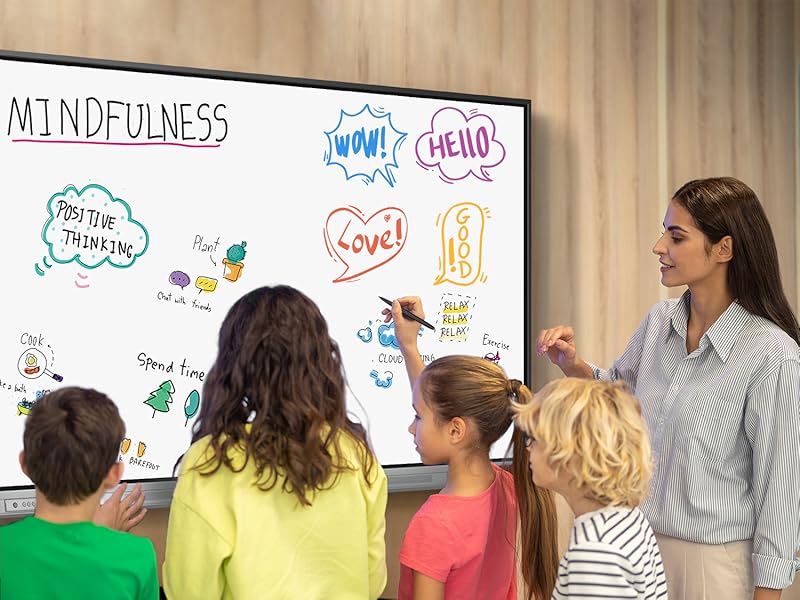
Diversified Usage Scenarios K-12
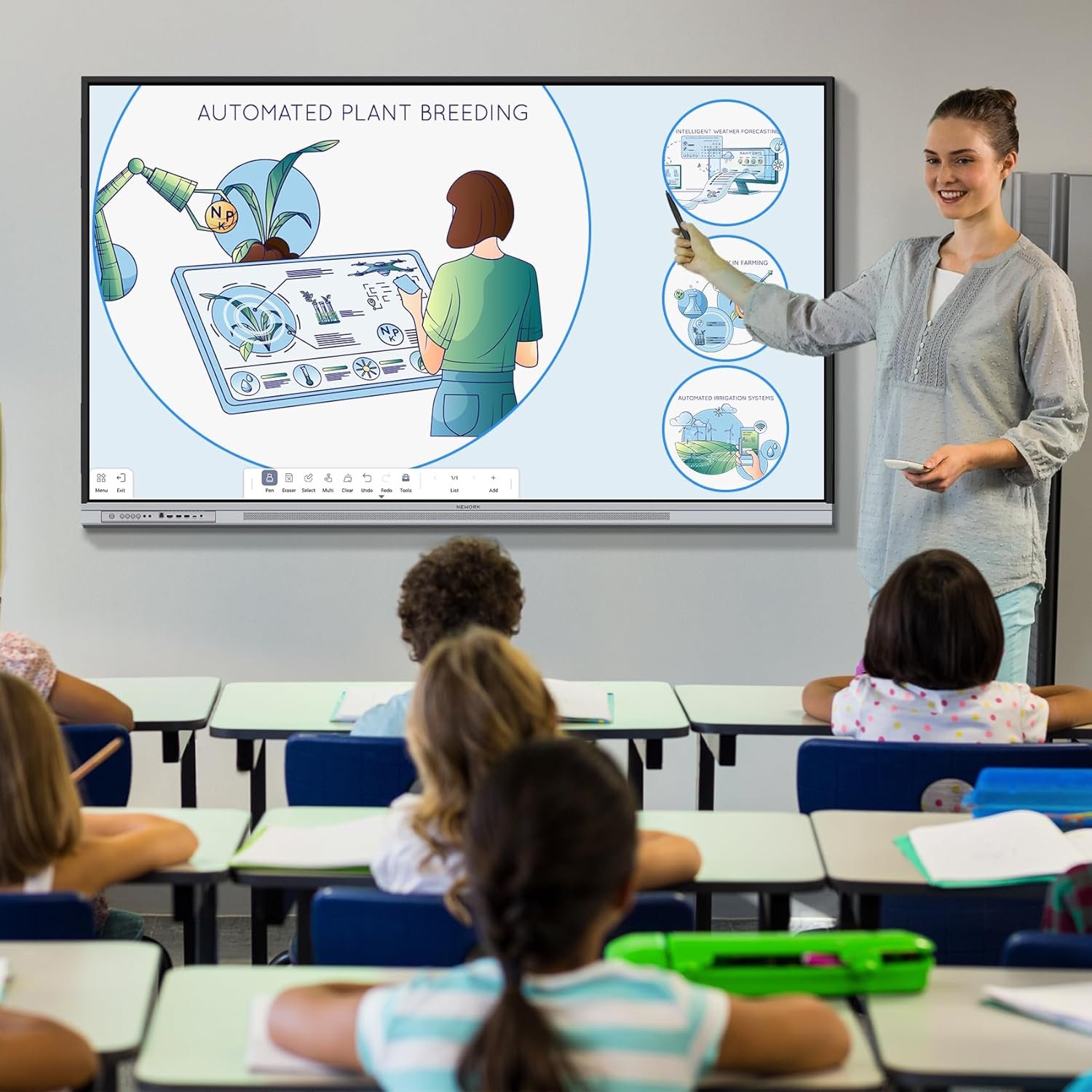
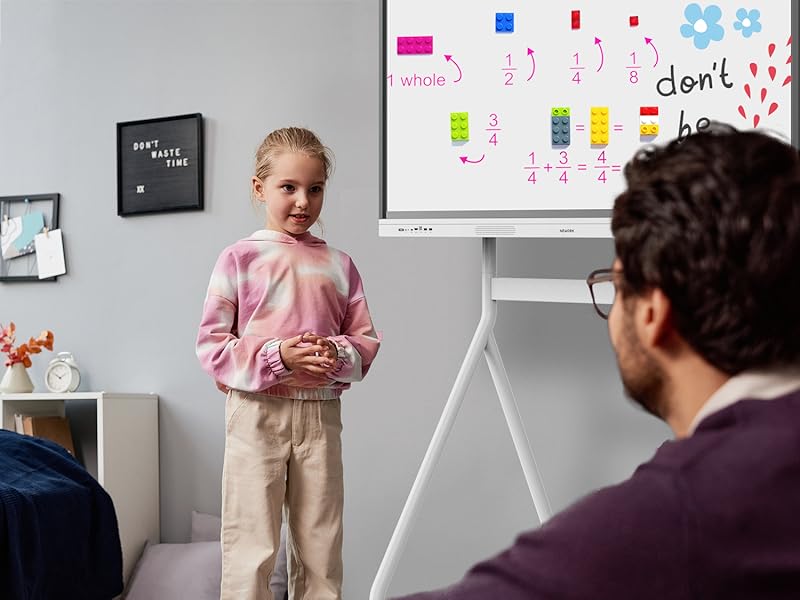
“Since I started using the NEWORK smart board in my third-grade classroom, I’ve noticed a huge shift in my students’ attention and participation. The interactive whiteboard tools let me bring lessons to life—whether it’s annotating text, showing videos, or letting students work out math problems on the board. It’s so easy to use, and the screen is super responsive. Honestly, I can’t imagine going back to a regular whiteboard.”
— Ms. Laura M., Elementary School Teacher, Texas
 Higher Education
“As a physics professor, I rely heavily on diagrams, simulations, and real-time collaboration. The NEWORK board’s 4K resolution and multi-device screen sharing make a real difference—it allows me to display detailed visuals without losing clarity. The USB-C connection is a game changer for plugging in my laptop and getting started right away. My students have told me they feel more connected and engaged in class.”
— Dr. Andrew B., University Professor, California
 Home Learning
“With two kids doing hybrid learning, the NEWORK smart board has been a lifesaver. I can pull up educational apps, help them with math problems right on the screen, and even use the whiteboard to explain tricky science concepts. It’s intuitive and looks great in our learning space. My kids actually ask to use it—and I feel more confident supporting their education.”
— Jessica R., Mom of 2, Florida
 Brainstorming
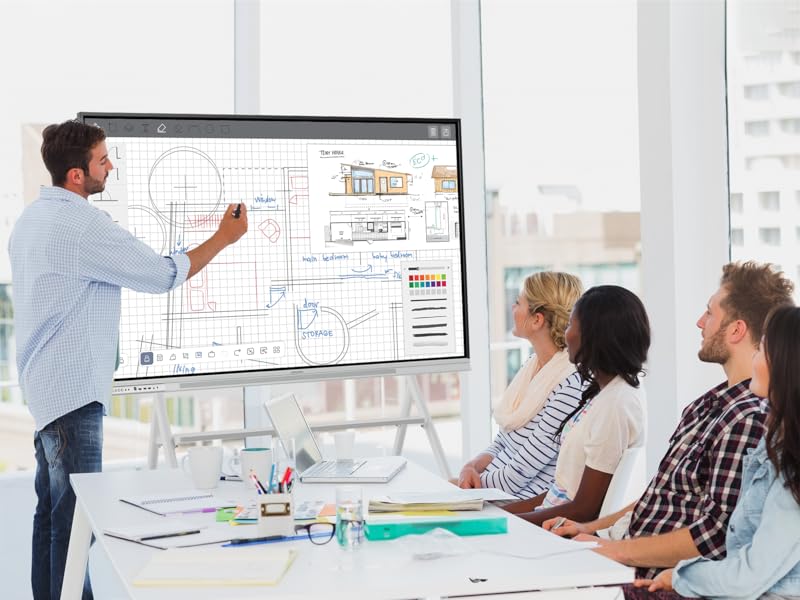
“We use the NEWORK smart board for team ideation—it’s fast, responsive, and makes it easy to capture and organize ideas. Everyone can contribute on the spot, and we love how quick it is to save and share notes after each session.”
— Emily K., Creative Director, Chicago
 Meeting
“The NEWORK board has streamlined our remote meetings. Screen sharing is simple, annotations are clear, and it brings our team together no matter where we are.”
— Sarah N., Operations Lead, Seattle
Does this smart board support video conferencing?
Does this smart board support video conferencing?
Are software updates provided regularly?
Are software updates provided regularly?
How do I connect my laptop for screen sharing?
How do I connect my laptop for screen sharing?
What are the advantages of Google EDLA certification compared to an open app ecosystem?
Google EDLA certification provides secure, direct access to Google services and the Google Play Store with regular updates, offering greater stability and data protection than open app ecosystems with unverified apps.
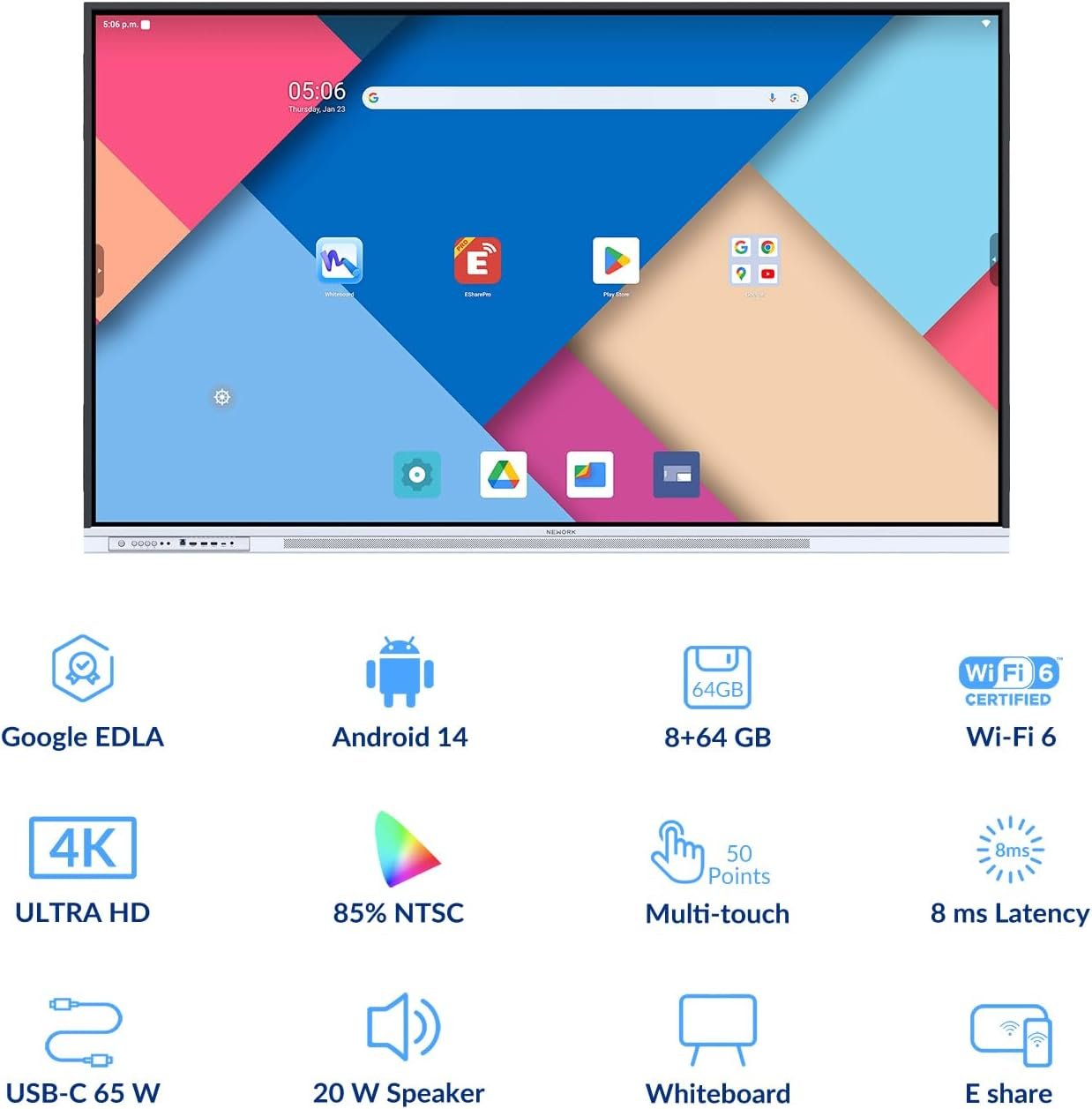
【Extensive Compatibility & Top Performance】Powered by Android 14 OS, this smart board delivers enhanced device security, and an intuitive user interface. With EDLA certification, users can access the Google Play Store and seamlessly integrate Google Education Suite, Google Workspace, and third-party business apps like Zoom and Microsoft Teams. Ideal for both classrooms and corporate boardrooms, the 8 GB RAM + 64 GB storage ensures smooth performance for interactive lessons, brainstorming sessions, video conferencing, and team collaboration
【Brilliant Display】Featuring a 65-inch 4K UHD display, this digital whiteboard delivers sharp text, vivid images, and rich colors with its 85% NTSC high color gamut and 450 nits brightness. Perfect for teachers presenting complex equations, business teams analyzing market trends, and designers showcasing projects, every detail is clear even in bright environments. The wide 178-degree viewing angles ensure that students, clients, or colleagues can all see the content without distortion, Ensuring clear visibility for all participants, enhancing engagement and collaboration
【Intelligent Touch】Designed for seamless collaboration, this interactive whiteboard supports 50-point multi-touch with 8ms ultra-low latency, allowing multiple users to interact simultaneously. The intelligent touch system recognizes fingers, palms, and styluses, enabling effortless transitions between writing, erasing, and navigation. Whether it’s students solving problems together, a business team brainstorming ideas, or architects annotating blueprints, the intuitive touch experience enhances productivity and teamwork
【Comprehensive User-Friendly Software】The built-in EShare wireless casting allows up to 16 devices to mirror screens simultaneously, making it easy for teachers to share lesson content or for business professionals to present reports without messy cables. The interactive display supports real-time annotations, media insertions, and interactive tools like rulers and geometric shapes, Ideal for STEM education, project planning, and dynamic brainstorming sessions. The Floating Toolbar ensures quick access to essential tools, keeping lessons and meetings efficient
【Extensive I/O Ports】With front and rear ports, this interactive whiteboard is designed for flexibility. The USB-C port supports 4K video transmission, high-speed data transfer, and 65 W power delivery, allowing a single-cable connection for laptops, ensuring instant screen sharing, device charging, and fast file access. Additional HDMI and USB 3.0 ports provide easy connectivity for document cameras, external drives, and conference room peripherals, making this smart board the ideal all-in-one solution for education and business environments
【Natural Sound & Ultra-Low Power Consumption】Equipped with dual 20 W speakers, this smart board delivers crystal-clear sound with deep bass and balanced treble, ensuring that every voice, video, and multimedia presentation is heard with precision. The no-reflection forward structure enhances audio projection, making it ideal for large classrooms, conference rooms, and training sessions. Its energy-efficient design cuts power consumption by 15%, while the ≤0.5W standby mode minimizes energy waste—a good choice for schools and businesses







Reviews
There are no reviews yet.