


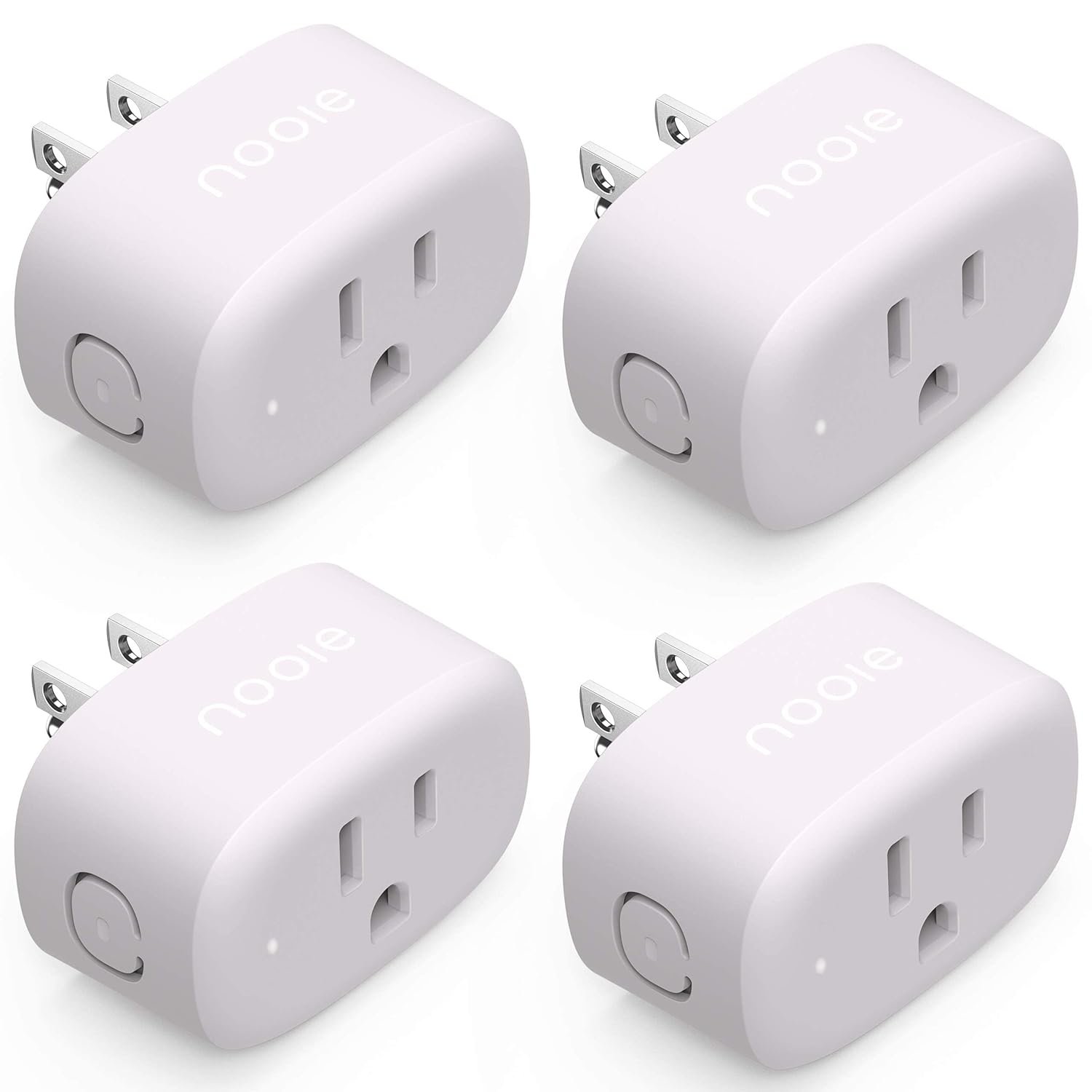





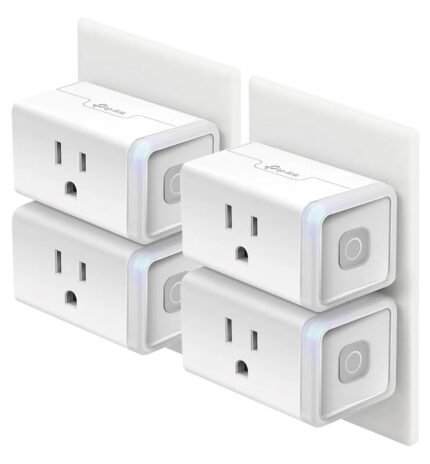
Smart Plug Nooie,WiFi Smart Plug That Work with Alexa,Smart Plug for Smart Home,WiFi Outlet for Google Home, Voice Control,Smart Outlet with Remote Control,Timer Function, ONLY 2.4G (4 Packs),10Amp
$17.99
Price: $16.95 - $17.99
(as of Mar 30, 2025 03:39:07 UTC – Details)

Product Description


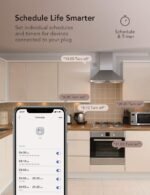
Timer and Schedule
You can create schedules / timers /countdowns for connected electronic devices based on your routines.

Loop Timer
You can create a loop timer if you would you like to turn your device on and off repeatedly.

Away Mode
Away Mode will automatically turn on and off connected appliances, like lamps, to make it appear as if you’re home.

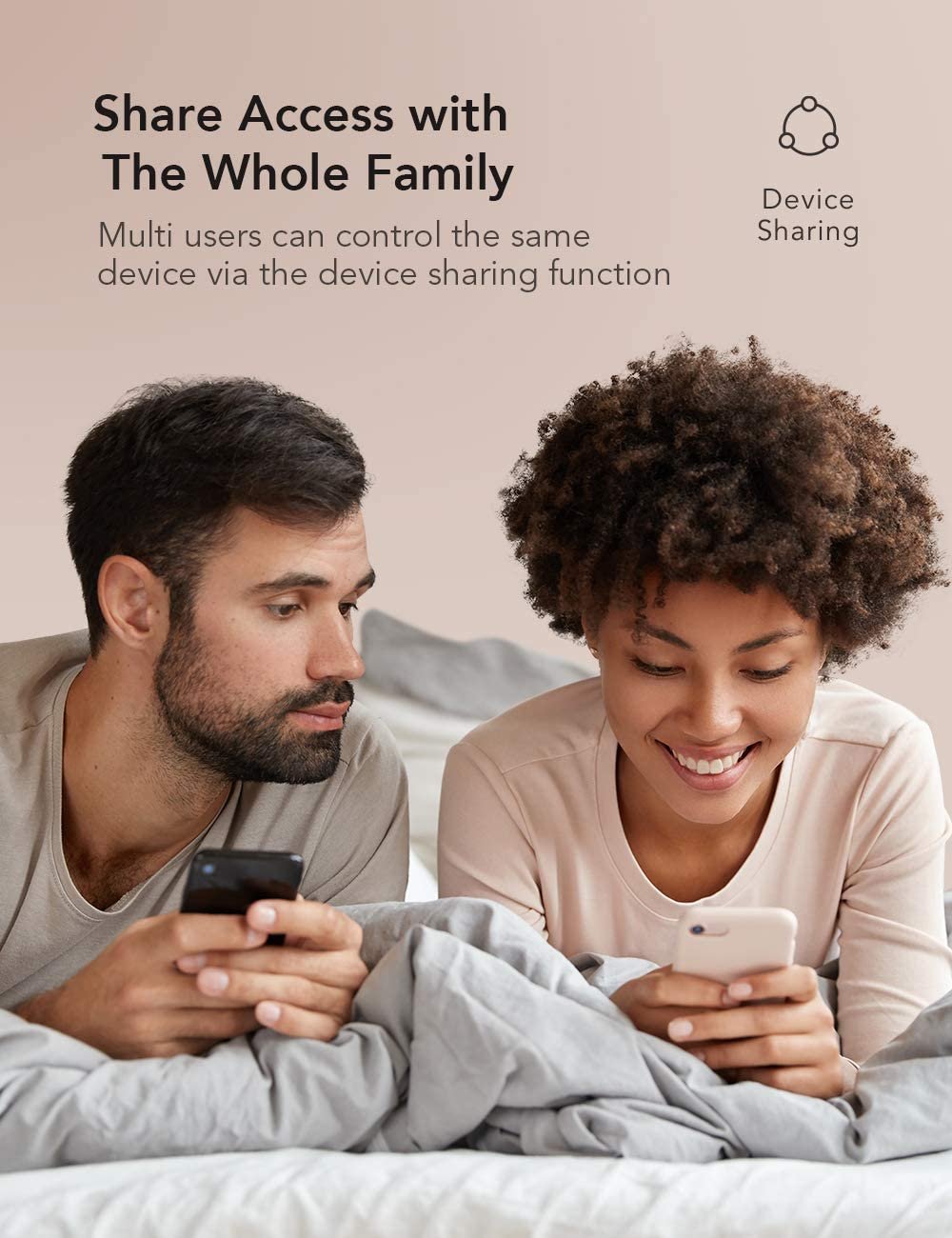
Share Function
You can share the outlet device to your family members for joint control and function setting of the outlet.

Connect App Step 1-2
1. Turn on the Bluetooth of your mobile phone and open the Nooie App.
2. Nooie app will automatically find the device, and a prompt box will pop up, please click “Connect”.

Connect App Step 3-4
3. Enter your Wi-Fi account and password.
4. Wait for the connection, the indicator will turn off after the connection is successful.

Connect to ALEXA Step 1-4
1.Tap Menu button (three lines) on the low right of Alexa app.
2.Select “Skills & Game” from the menu.
3.Enter “Nooie Home” in the search bar and tap on it.
4.Tap “ENABLE TO USE”.

Connect to ALEXA Step 5-6
5. Select your country/region, enter your Nooie account and password, then tap “Log In”.
6. Tap “Authorize” and you will see “Your Nooie Home accounthas been successfully linked ”.

Customer Reviews
4.2 out of 5 stars 303
4.2 out of 5 stars 889
4.1 out of 5 stars 5
4.0 out of 5 stars 45
Pack
4 2 4 2
Smart Life&Nooie App
✓
✓
✓
✓
Works with Apple HomeKit
no data
no data
✓
✓
Works with Alexa&Google Assistant
✓
✓
✓
✓
Bluetooth Connection
✓
✓
✓
✓
Remote&Timing
✓
✓
✓
✓
Product Dimensions : 2.36 x 1.52 x 2.03 inches; 8.78 ounces
Item model number : PA10-4
Date First Available : November 30, 2022
Manufacturer : nooie
ASIN : B0CJF8ZQ1B
Country of Origin : China
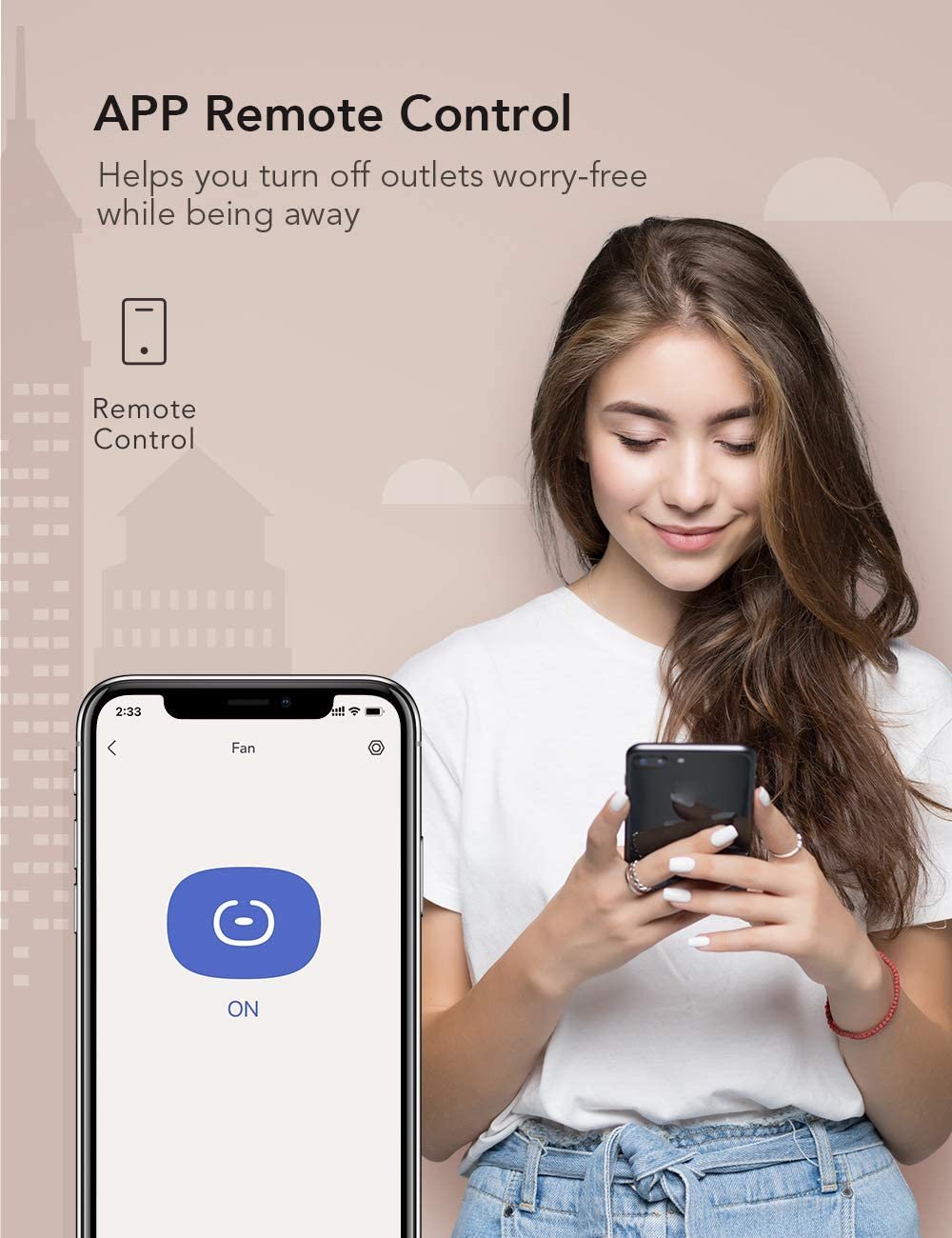
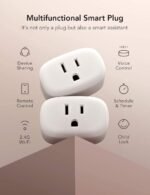
Remote Control: :After downloading the free APP “Smart Life&Tuya”, you can remotely control the wifi plug through your smartphone anytime, anywhere.you can turn the wifi plug on or off, set schedules from your smartphone, then enjoy your smart life.
Easy Setup: It takes less than two minutes for the configurartion. And the aleax plug can easy to keep a stable network connection and not easy to go off line.
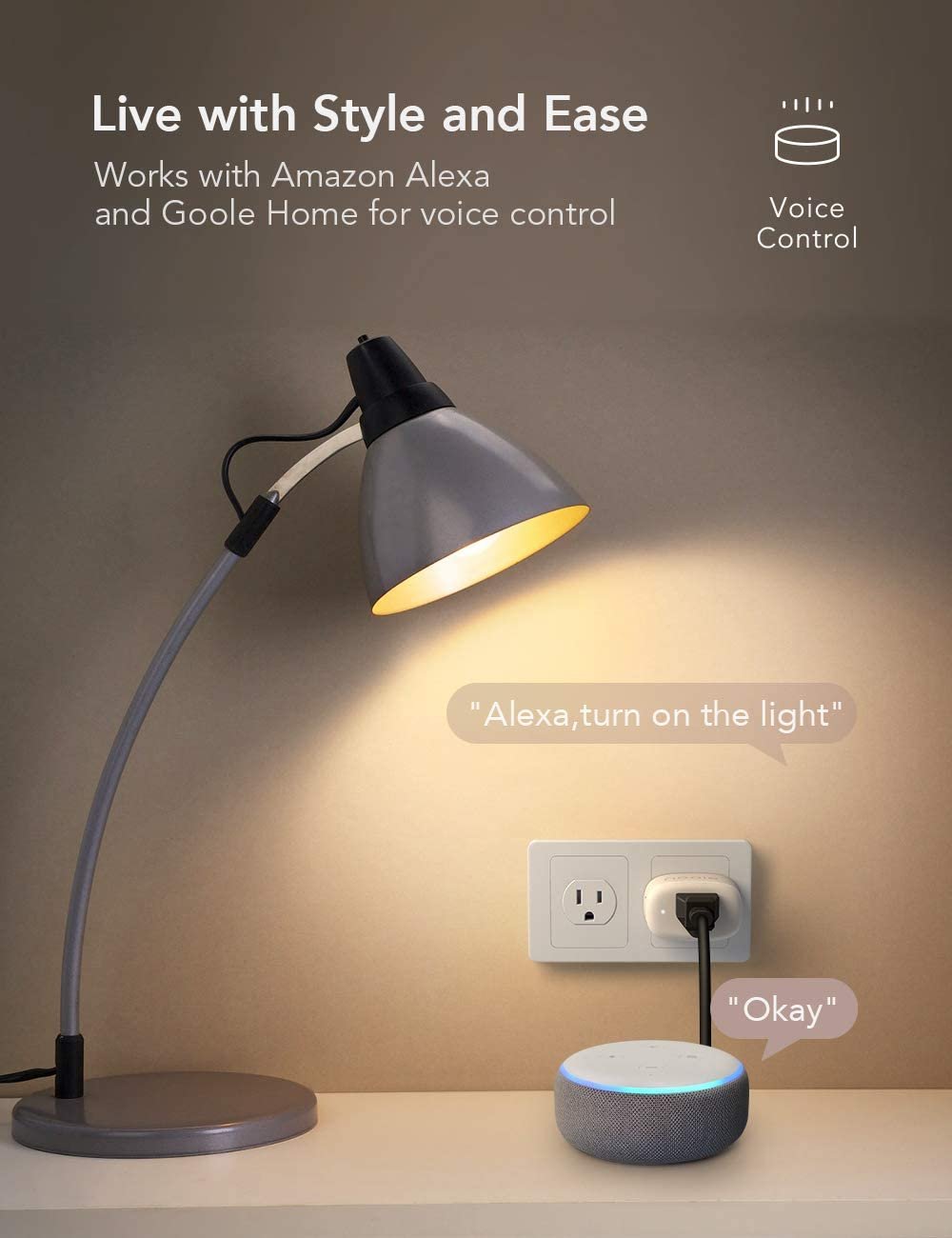
Voice Control : Smart Plug Work with Alexa and Google Assistant, so you can control the smart home devices using simple voice commands. Free hands by using smart plugs and enjoy the funny interactive process.
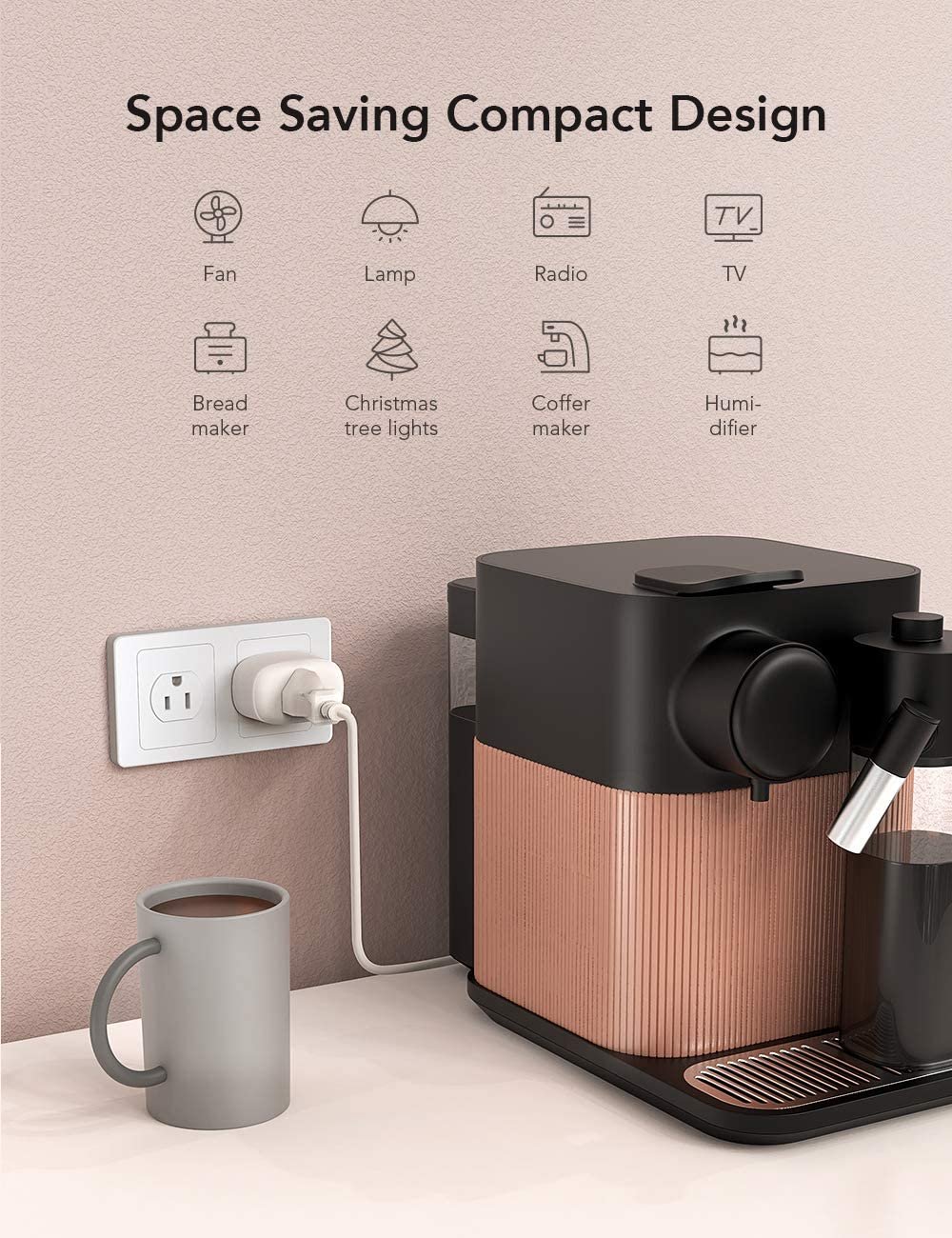
Schedule Setting :Aleax Smart Plug can Create customized timer to automatically control your home electronics and appliances. Allow you to save power,equipment from being left on longer than needed.
Easier Faster Connection:More advanced Bluetooth and WiFi technology can connect your smart plugs with your smartphone faster and make it difficult to disconnect.Only support 2.4Ghz wifi.
12 Months After-sales: If your smart plug encounter any problems, feel free to contact the Nooie team, we would solve all problems for you at all times.
Customers say
Customers find the electrical plugs easy to set up and use. They connect to the app with great ease, making their home smarter and more manageable. The plugs turn on the lights, control Christmas lights, and can schedule lights, coffee makers, and other appliances to turn on and off. Many customers appreciate the good quality, excellent price, and value for money. However, some customers have differing opinions on their functionality.
AI-generated from the text of customer reviews








Reviews
There are no reviews yet.